Mark
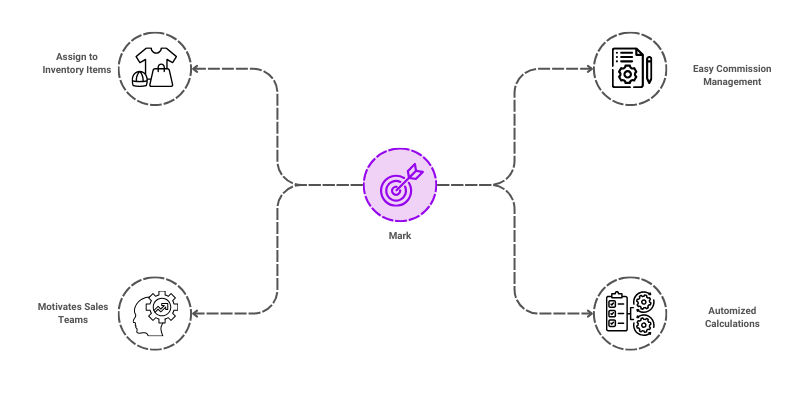
Mark, which refer to a record that stores and manages "Marks" pertinent to distinct entities inside a business system combined with Commission Percentage, can be used to make it easier to classify an item and effectively manage Salesman Commissions.
To access the Mark list, go to: > Home > Application > Settings > Mark
How can I get Benefit ?
- Reporting and Analytics : To generate reports based on different marks, such as analyzing the sales of different commission percentage products.
- Manage Commissions: Managing sales mark commissions effectively is crucial for motivating sales teams.
Properties
| Property | Description |
|---|---|
| Mark Code | Here, you can enter the mark code |
| Mark Amount | You can enter mark amount |
| Mark Percentage | You can enter mark percentage |
| Status | You can set the status here |
Create a Mark
- Go to the Mark list, click on
Add New - Enter Mark Code
- Enter Mark Amount or Percentage, based on your requirement
- Set the Status
- Click on
Save

Edit a Mark
- Go to the Mark list
- Locate the Mark, Click on the Pencil icon to open whose details you want to Edit
- Make the necessary changes
- Click on
Save
Delete a Mark
- Go to the Mark list
- Locate the Mark, Click on the Delete icon to open whose details you want to Delete
- Click on
Delete
warning
A Mark that has been associated with any transaction cannot be deleted.