Paymode
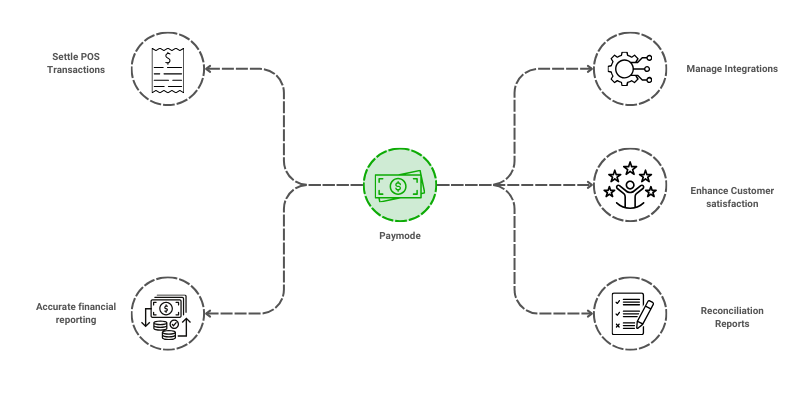
Paymode defines and manages the various payment methods or modes accepted by the business, customers and vendors can use to make or receive payments, such as cash, credit card, bank transfer, digital wallets, or checks.

To access the Paymode, go to: > Home > Application > Settings > Paymode
How can I get Benefit ?
- Standardize Payment Methods : Create a standardized list of all accepted payment methods for consistency in sales, purchases, and financial transactions.
- Track and Report Payment Activities: Enhance the tracking and reporting of payments to improve reconciliation and cash flow analysis.
Properties
| Property | Description |
|---|---|
| Paymode Name | Here, you can enter the name of the Paymode |
| Status | You can set the status here |
Create a Paymode
- Go to the Paymode list, click on
Add New - Enter Paymode Name
- Set the Status
- Click on
Save


Edit a Paymode
- Go to the Paymode list
- Locate the Paymode, Click on the Pencil icon to open whose details you want to Edit
- Make the necessary changes
- Click on
Save


Delete a Paymode
- Go to the Paymode list
- Locate the Paymode, Click on the Delete icon to open whose details you want to Delete
- Click on
Delete


warning
A Paymode that has been associated with any transaction cannot be deleted.