Unit Of Measurement
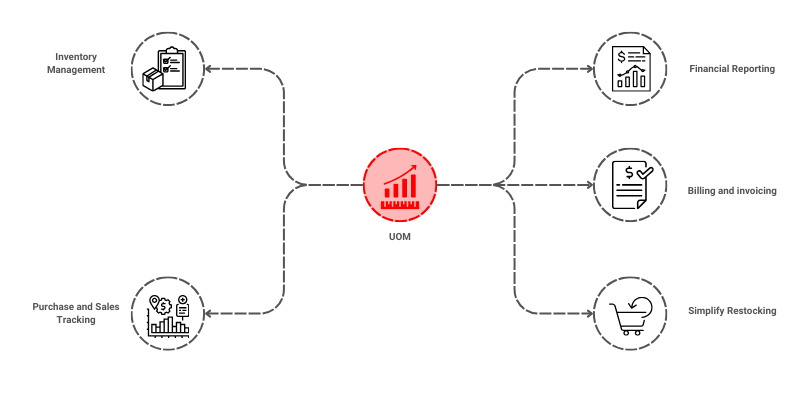
The UOM helps businesses manage and track inventory in different units efficiently, ensuring consistency and accuracy in all transactions, whether it's for sales, purchases, stock management etc.

To access the Unit Of Measurement, go to: > Home > Application > Settings > Unit Of Measurement
How can I get Benefit ?
- Accurate Inventory Tracking and Valuation : Facilitates accurate inventory tracking by defining standard units for counting and storing goods.
- Simplified Conversions and Calculations: Establishes clear conversion relationships between related units, simplifying quantity calculations and pricing.
Properties
| Property | Description |
|---|---|
| UOM Name | Here, you can enter the name of the UOM |
| Status | You can set the status here |
Create a UOM
- Go to the UOM list, click on
Add New - Enter UOM Name
- Set the Status
- Click on
Save


Edit a UOM
- Go to the UOM list
- Locate the UOM, Click on the Pencil icon to open whose details you want to Edit
- Make the necessary changes
- Click on
Save


Delete a UOM
- Go to the UOM list
- Locate the UOM, Click on the Delete icon to open whose details you want to Delete
- Click on
Delete


warning
A UOM that has been associated with any transaction cannot be deleted.